To create a new e-mail address, perform the following steps:
1. Log.. (e.g. www.example.com:2443/siteworx/ )
2. Under “SiteWorx .“, click the “Hosting Features” . item if it is not already open.
3. Click the “E-mail” . item and then click on “Mailboxes” option.
. Under the “Add an E-mail Box” tab, enter the e-mail address that .create, such as “my-first-email“.
5.. “Add” babies.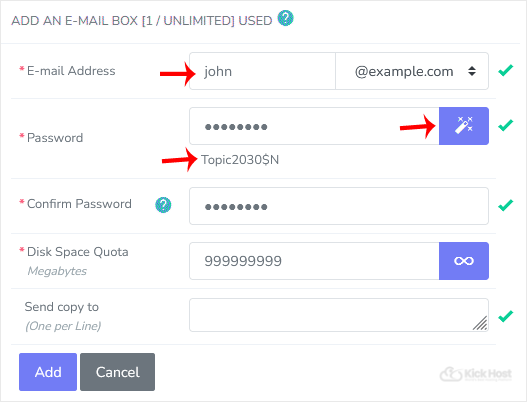
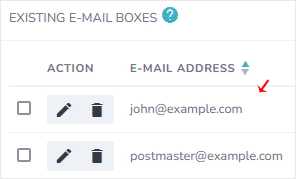
Once your e-mail account is created, it will appear under the “Existing E-mail Boxes” tab.