You can shutdown your VPS in two ways – forcefully or gracefully, using SolusVM.
How to Gracefully Shutdown your VPS via SolusVM?
1. Login to your SolusVM Control Panel.
2. If you have multiple VPS, select the appropriate one.
3. Scroll down and you will see a “Shutdown“ option. Click it!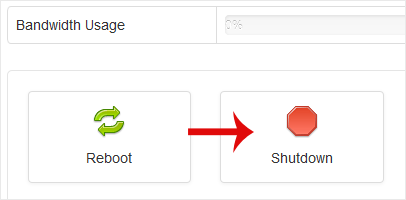
. It will show a confirmation window. Click on “Yes“.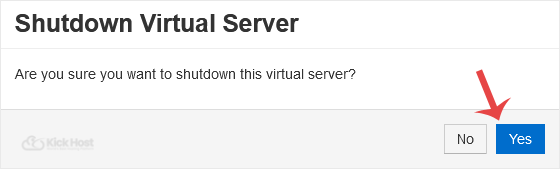
It may take a few seconds or a minute and if the VPS is shut down, it will show a message, notifying you.
For forceful shutdown, you can click the “Power Off“ option in SolusVM.
How to shutdown your VPS via the Command Line?
(This option is similar to pulling the power cord from your computer and there is a chance for loss of data.)
1. Login to your SSH Client.
2. Enter the command “poweroff“ (without the quotes).
Once you execute this command, your VPS will shut down quickly.

