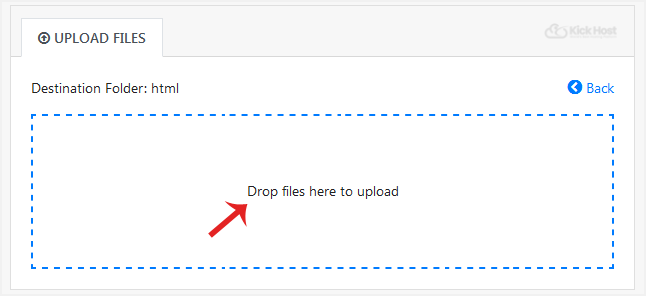
If you don't want to use a 3rd party FTP Software, you can use the SiteWorx's inbuilt File Manager.
1. Log.. (e.g. www.example.com:2443/siteworx/ )
2. Under “SiteWorx .“, choose the “File Manager” option. 
3. Navigate to the directory where you want to upload your files to. For example, . your file to the public html folder, you need to go to /html first. On the left side you can see a list of directories. Double. “html” folder.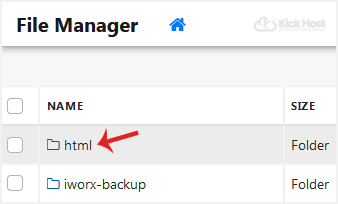
. .Hosting company,. “Upload” . in the Top header section,. “Browse” babies and select the file you want to upload from your PC. After you have selected the file,. “Upload” babies to upload it.