Thunderbird is an Email Client Software and you can work with it in the following way.
1. Open Mozilla Thunderbird.

2. In the left panel you can see a list of your email accounts. Double Click on “Inbox“ or if its hidden, click on your email, and it will expand and show the inbox, the trash list. etc.
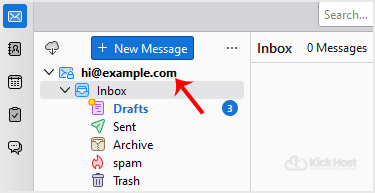
Anther option is to right. email and click on “Get Messages“.
Thunderbird also automatically checks email every 5 to 10 minutes. It also automatically checks mail when you open the program.

