We recommended you to remove unused themes. This is a good practice for protecting your WordPress website from vulnerabilities.
1. Login to your WordPress admin dashboard.
2. Under the dashboard ., hover your mouse on “Appearance” and then click on “Themes“.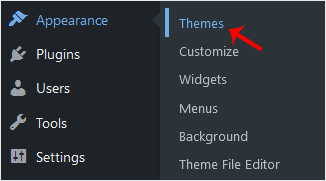
3. Hover your mouse on a theme which is not active and unused or .remove that theme. It will show you the option “Theme Details“. Click it.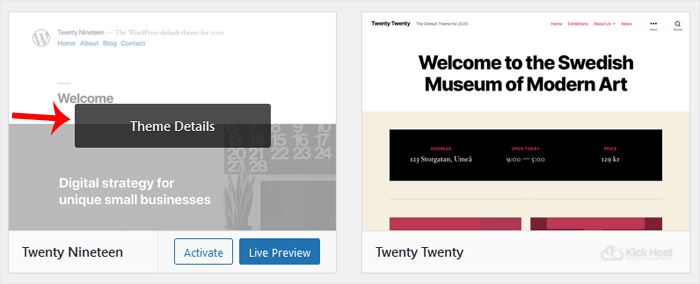
. A simple window will open. At the bottom area, in the right side of the window, you can see the “Delete” option. Click it!
5. A confirmation window will open. Click “OK” to remove your theme.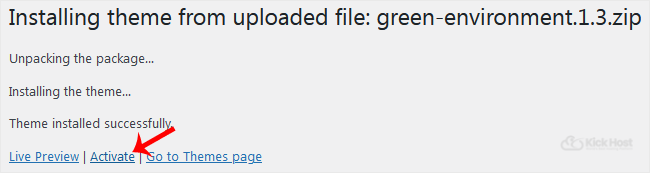
The theme is successfully removed!

