You can edit or remove a Record from cpanel using the cpanel DNS Zone Editor which allows you to manage, remove or modify DNS records.
1. Log into your cpanel account. (eg: www.example.com/cpanel )
2. In the “Domains” section,. “Zone Editor” Icon.

Under “Domains“, you can see many options below the “Actions” text.
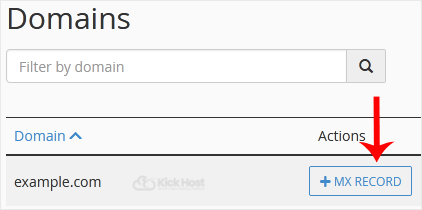
3. Click on “Manage” and the DNS records will be loaded on page.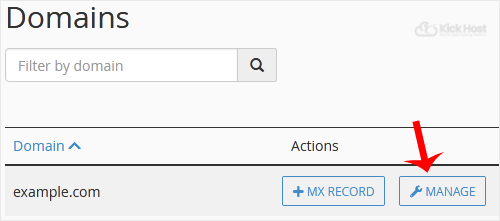
. Locate A Record .edit or remove. Should .edit a record, click the “Edit” option, modify the details and then click on “close Record“. Removing a record can be done with the “Delete” option.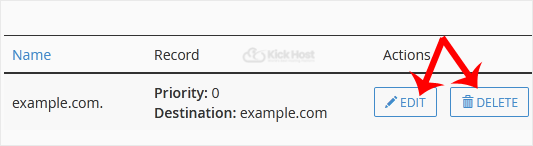
Note: It may take anywhere from 12 to 24 hours for the changes to take effect worldwide.

