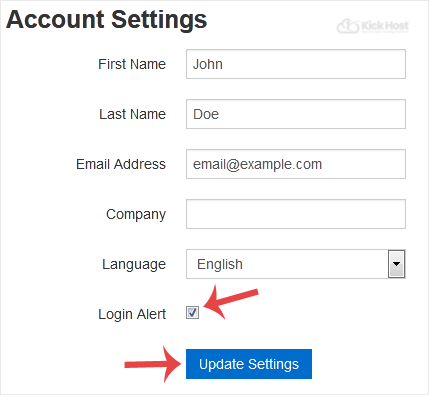
Whenever you login to your VPS control panel, you will receive a login email alert and you can disable this function from the SolusVM. However, we recommend that you enable this feature for security reasons.
1. Login to your SolusVM Control Panel.
2. If you have multiple VPS, select appropriate one.
3. From the Top Bar ., click on “My Account“.
. Under “Account Settings“ you can find a “Login Alert“ option. If .disable it, unmark this option. Alternatively, if you want to enable it, tick mark this option.