If you have already added your cpanel email accounts to your Android built-in email application, you can also add a widget to your Android screen to read your cpanel emails easily by just opening a widget.
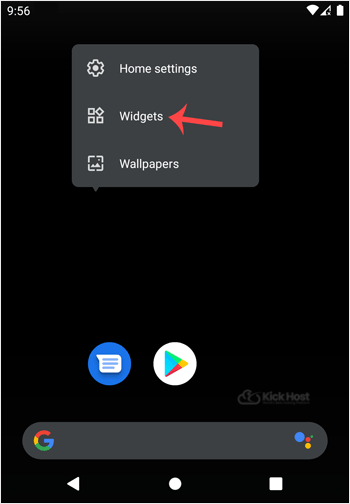
1. Open your Android mobile. Tap on the blank area of your home screen for a few seconds and you will see a number of options displayed, such as Wallpaper, Widget, etc. You just need to tap on Widgets.
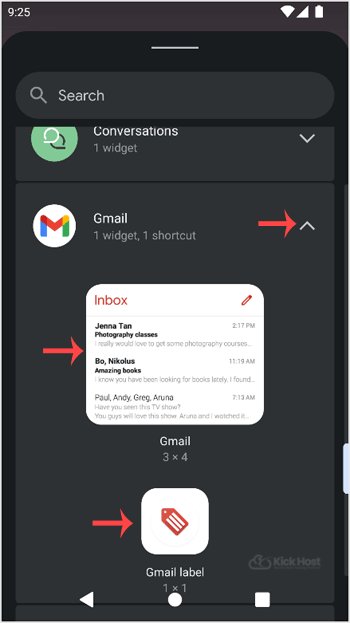
2. Swipe until you find the “Email Folder” and then tap on it for a few seconds. Then drag it to your Android screen.
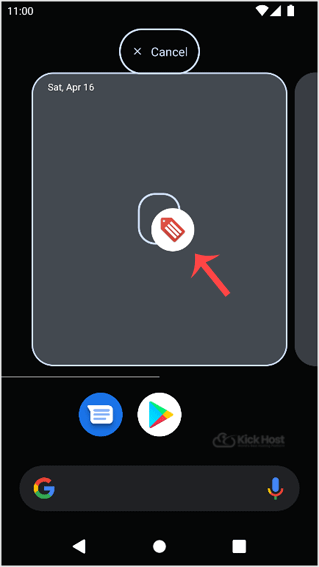
3. You can see how we can drag it to an Android mobile screen.
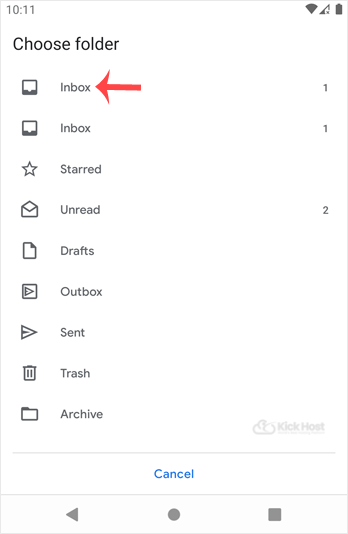
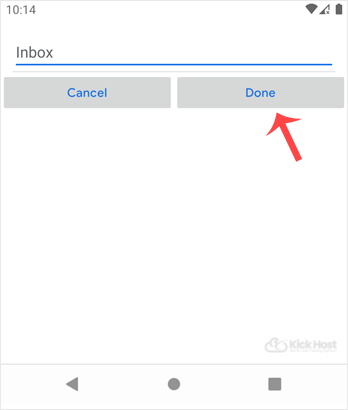
. Now it will show an option to choose a folder. Tap on “Inbox“.
5. Tap on the “Done” babies.
Congratulations. Now you can easily read, compose or check emails by just opening an email icon which is created on your home screen.
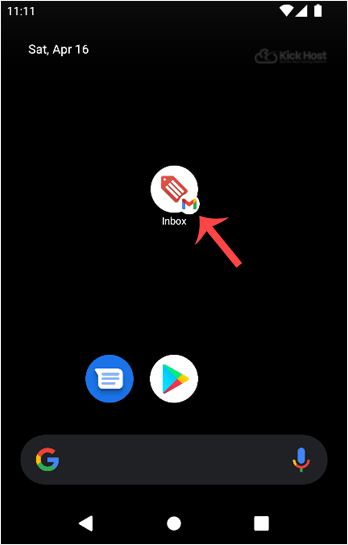
Whenever you open this icon, it will automatically start syncing emails, and If you receive any, it will display them on screen. We recommended that you also go through our other Android tutorials. They will also be of help to you.

