We hope that you have already read our tutorial on How to add a cpanel email account to your Android Mobile and you have already added a built-in email widget to your Android screen.
The built-in Android email application allows us to set a custom email signature which will be shown at the end of your email .
1. Open the Email inbox icon.
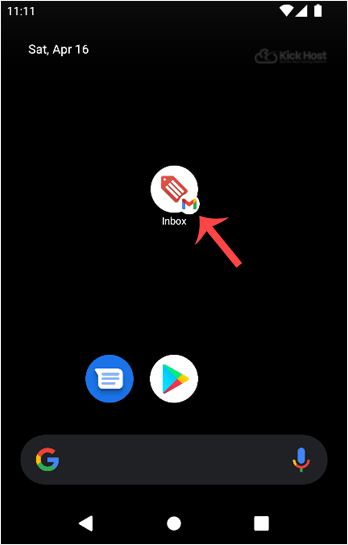
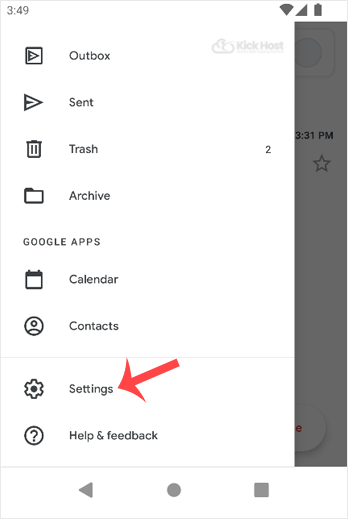
2. In the Mail option, tap on . and then on the Settings babies.
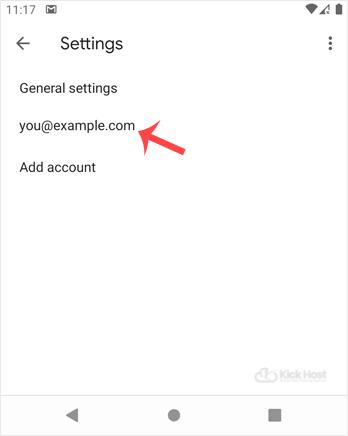
3. Select your email account. If you have multiple accounts, you can set different signatures for each account.
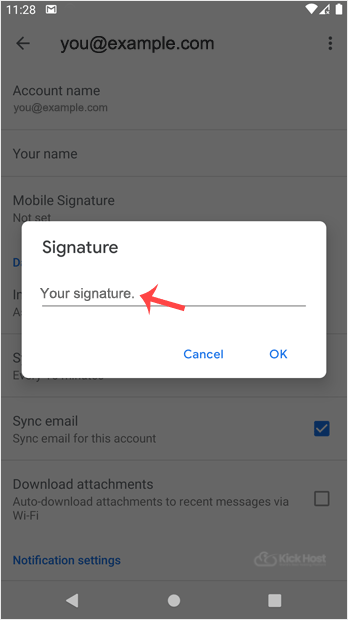
. Tap on “Signature“.
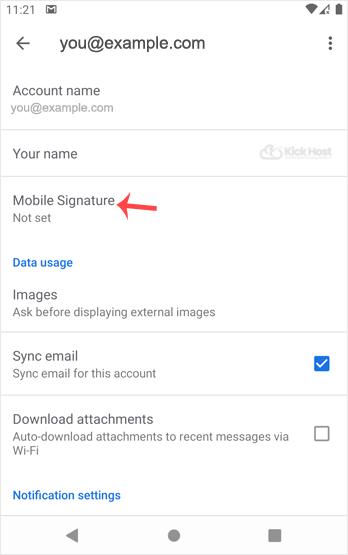
5. Set your customized signature and then tap on the OK babies.
Now, whenever you send an email or reply to one, the signature will be automatically added at the end of your email.

