We hope that you have already read our tutorial on How to add cpanel email account in Android Mobile and you have already added a build-in email widget to your Android screen.
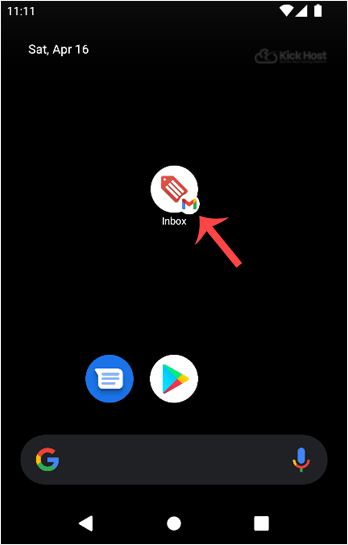
1. Open Email inbox icon.
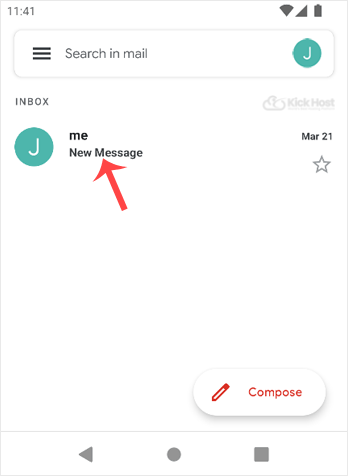
2. TAP on the email .delete. You just need to hold down your finger for only for 2 seconds and the email will be selected for removal.
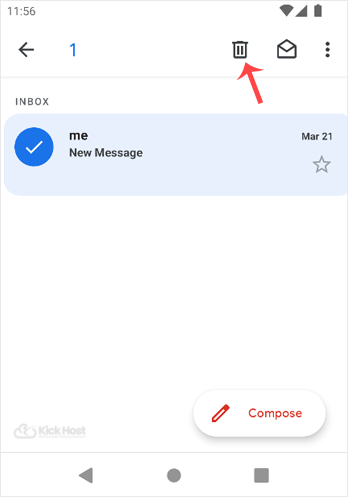
3. Now. “Delete” icon which is displayed on top.
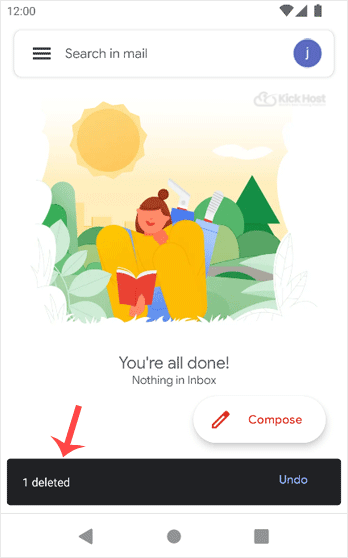
You will get the message “Email Deleted“. If you want to restore the email, you will need to quickly tap on “undo“. Otherwise, it will be deleted.