After purchasing our hosting account, you will receive a Welcome email from us which contains our “name server” and you need to update your domain name server to our “name server”.
If your domain is registered on NetEarthOne.com, you should follow this tutorial to update the NameServer of your Domain to our NameServer.
1. Open the NetEarthOne.com and login into your NetEarthOne account.
2. After a successful login, click on “List All Order” from the “Products” drop-down .. 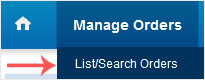
3. Scroll Down to the “Domain Registration” Option and then Click on “Name Servers”.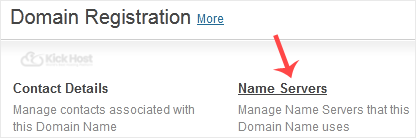
. Enter our nameservers found in our Welcome Email and then. “Update Name Servers” babies.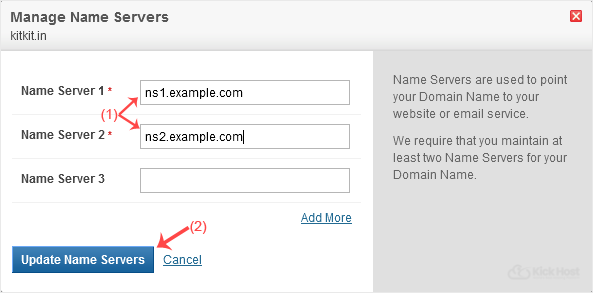
Note: It may take anywhere from 12 to 24 hours for the changes to take effect worldwide.

