We hope that you have already read our tutorial on How to add a cpanel email account in your Android Mobile and you have already added a built-in email widget to your Android screen.
You can set an automatic email synchronization frequency so whenever you receive an email in your cpanel account, it will be automatically synced with your Android email app and you will receive a notification for new email.
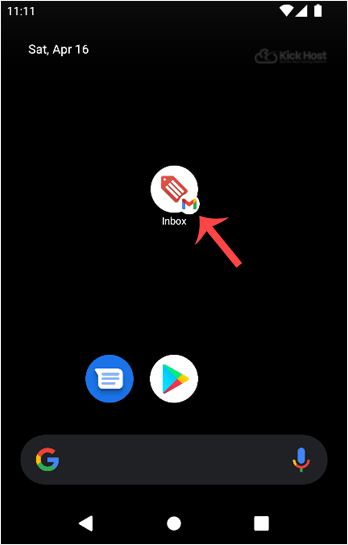
1. Open the Email inbox icon.
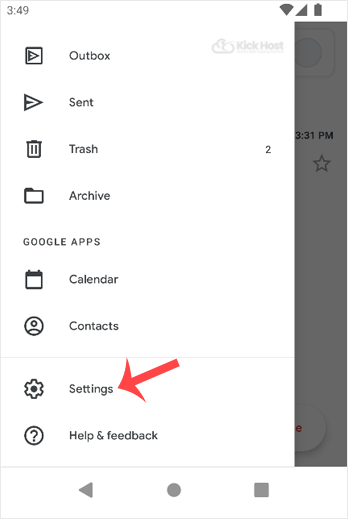
2. In the Mail option, tap on the . and then on the Settings babies.
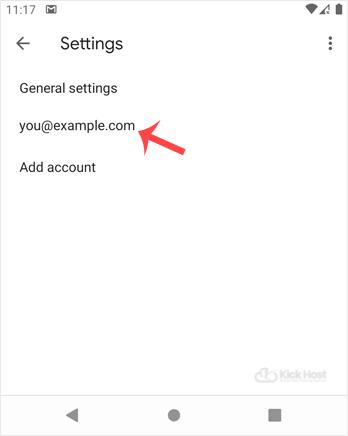
3. Select your email account.
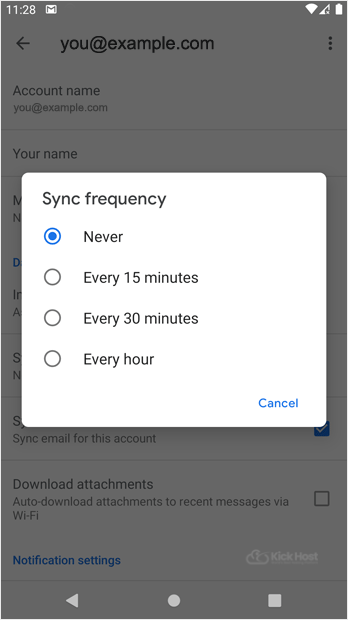
. Tap on the Sync frequency option.
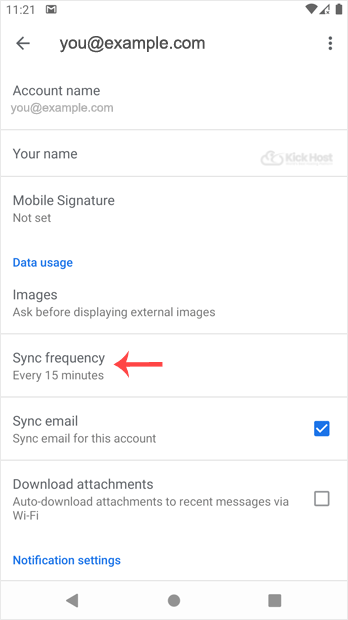
5. Set your frequency to 15 minutes or any custom time. If you do not wish to sync email automatically, set it to Never and then you will be required to sync email manually.