We hope that you have already read our tutorial onHow to add cpanel email account in Android Mobile and you have already added a the built-in email widget to your android screen.
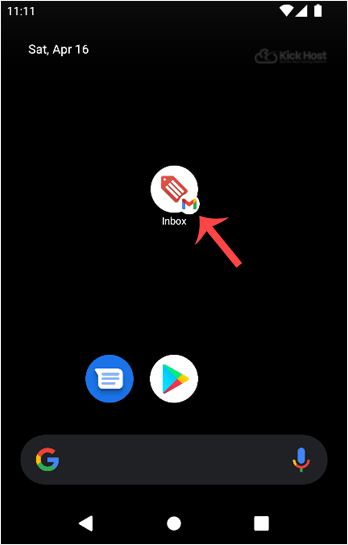
1. Press on the email inbox icon.
2. In the Mail options, tap on “.” and then on the “Refresh” babies.

If you do not want to use this method, then tap on the blank area and swipe down to refresh. It will start syncing email.
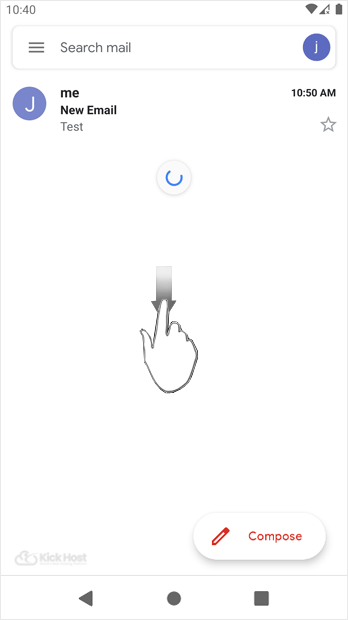
In above screenshot, you can see that after syncing, we have received a new email.

