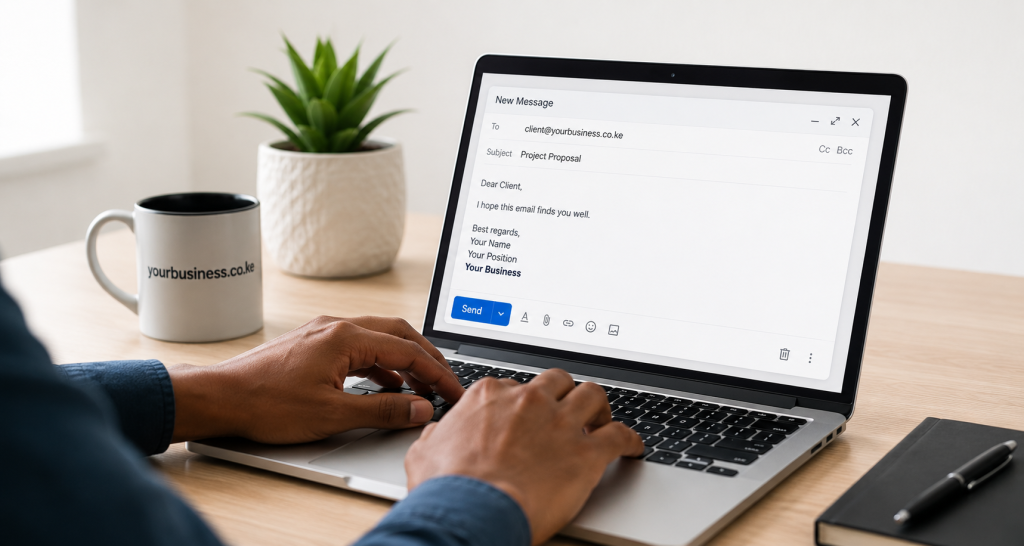
Using [email protected] for your Kenyan business communications sends exactly the wrong message to clients, banks, government bodies, and procurement departments. It signals small-scale and informal. A professional email like [email protected] instantly establishes credibility — essential for winning Kenyan business contracts.
Why Professional Email Matters for Kenyan Business Success
- Kenyan client trust: Procurement officers at Kenyan corporates and government institutions often refuse to deal with gmail.com addresses — they require corporate email for formal correspondence and tenders.
- Bank credibility: When applying for business loans or overdraft facilities at Kenyan banks, a professional email at your domain strengthens your application.
- Brand consistency: [email protected] matches your website domain, creating a cohesive identity for your Kenyan brand.
- Team management: Create separate addresses for each staff member and department across your Kenyan offices.
Business Email Options for Kenyan Companies
Option 1: cPanel Hosting Email (Free with HostGuru)
Every HostGuru Africa hosting plan includes unlimited email accounts at your .co.ke domain at no extra cost. Create info@, sales@, accounts@, and individual staff addresses in minutes via cPanel. Perfect for small Kenyan teams getting started.
Option 2: Titan Business Email (Recommended for Growing Teams)
Titan Mail is a professional email platform built for Kenyan and African businesses. Features a clean modern webmail interface, iOS and Android apps, calendar, contacts, and team collaboration tools. HostGuru includes Titan Email with select plans or as an add-on from KES 149/month.
Best for: Kenyan teams of 2–50 staff, businesses needing a polished email experience similar to Gmail but at your own .co.ke domain.
Option 3: Google Workspace (Gmail at your .co.ke)
Use Gmail familiar interface but with your own Kenyan domain ([email protected]). Includes Google Drive, Docs, Sheets, Meet, and Calendar — powerful for Kenyan teams already using Google tools. Starts at approximately KES 700/user/month, billed in USD.
Best for: Kenyan businesses heavily invested in Google ecosystem, remote teams.
Option 4: Microsoft 365 Business
Outlook at your .co.ke domain with Teams, SharePoint, OneDrive, and Office apps. Approximately KES 900/user/month. Popular with larger Kenyan corporates and businesses already using Microsoft software.
Step-by-Step: Set Up Email via HostGuru cPanel
- Log into cPanel at yourdomain.co.ke/cpanel
- Under Email section, click Email Accounts
- Click Create
- Enter your address (e.g., info for [email protected])
- Set a strong password — minimum 12 characters
- Set mailbox quota to at least 1,000 MB
- Click Create
Recommended Email Addresses for Kenyan Businesses
- [email protected] — Main public address for general Kenyan enquiries (put this on your website and business cards)
- [email protected] — Sales enquiries and quotes from Kenyan clients
- [email protected] — Customer support and after-sales care
- [email protected] — Invoicing, M-Pesa receipts, and payment follow-up
- [email protected] — Individual Kenyan staff accounts
Accessing Your Business Email
Webmail (Browser-Based — No Setup Needed)
Access from any device — your Nairobi office desktop, home laptop, or phone:
- Go to yourdomain.co.ke/webmail
- Log in with your full email address and password
- Choose Roundcube interface (cleanest and most reliable)
Microsoft Outlook Setup (IMAP — Syncs Across All Devices)
- Add Account †’ Manual Setup †’ IMAP
- Incoming server: mail.yourdomain.co.ke | Port: 993 | SSL/TLS
- Outgoing SMTP: mail.yourdomain.co.ke | Port: 465 | SSL/TLS
- Username: your full @yourdomain.co.ke address
Android Setup (For Kenyan Mobile Users)
Works on Samsung, Tecno, Infinix, and all Android phones popular in Kenya:
- Settings > Accounts > Add Account > Email
- Enter your email address and password
- Select IMAP
- Enter the same server settings as Outlook above
IMAP ensures your email syncs across your Kenyan office desktop, personal laptop, and phone simultaneously.
Set Up SPF and DKIM to Avoid Spam Folders
These DNS records authenticate your Kenyan business emails and prevent them landing in spam folders:
- SPF: Specifies which servers (HostGuru servers) are authorised to send email on behalf of yourdomain.co.ke
- DKIM: Adds a digital signature proving emails genuinely came from your Kenyan business
- DMARC: Tells receiving servers how to handle emails that fail authentication
HostGuru Africa automatically configures SPF and DKIM for all hosted domains. Verify under cPanel > Zone Editor.
Professional Email Best Practices for Kenyan Businesses
- Create a professional email signature: Name, title, company, Nairobi/Kenya address, phone, website URL, optional WhatsApp number.
- Set up auto-responders: Acknowledge Kenyan enquiries immediately with expected response time.
- Never use your business email for personal sites or social media — keep them strictly separate.
- Enable 2FA on your cPanel account to prevent unauthorised email account access.
- Use IMAP (not POP3) so your Kenyan business emails are stored server-side and not lost if your device is stolen or replaced.